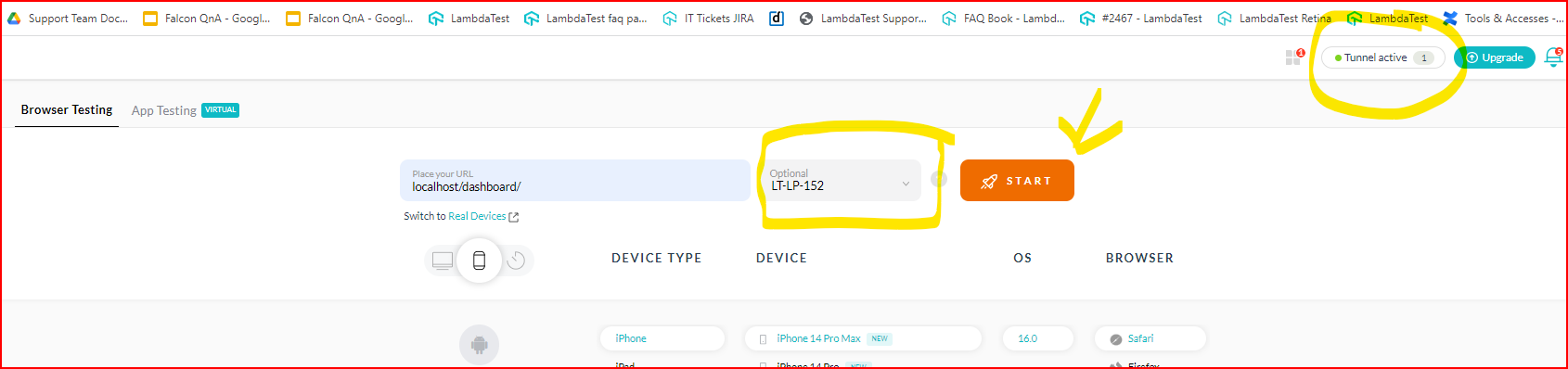
Hello, I have a “site cannot be reached error”. When I try to add the localhost URL + the URL I am trying to reach, there is no option to enable a tunnel. Can someone help me?
Hi Mimi, Greetings from the LambdaTest Support Team!
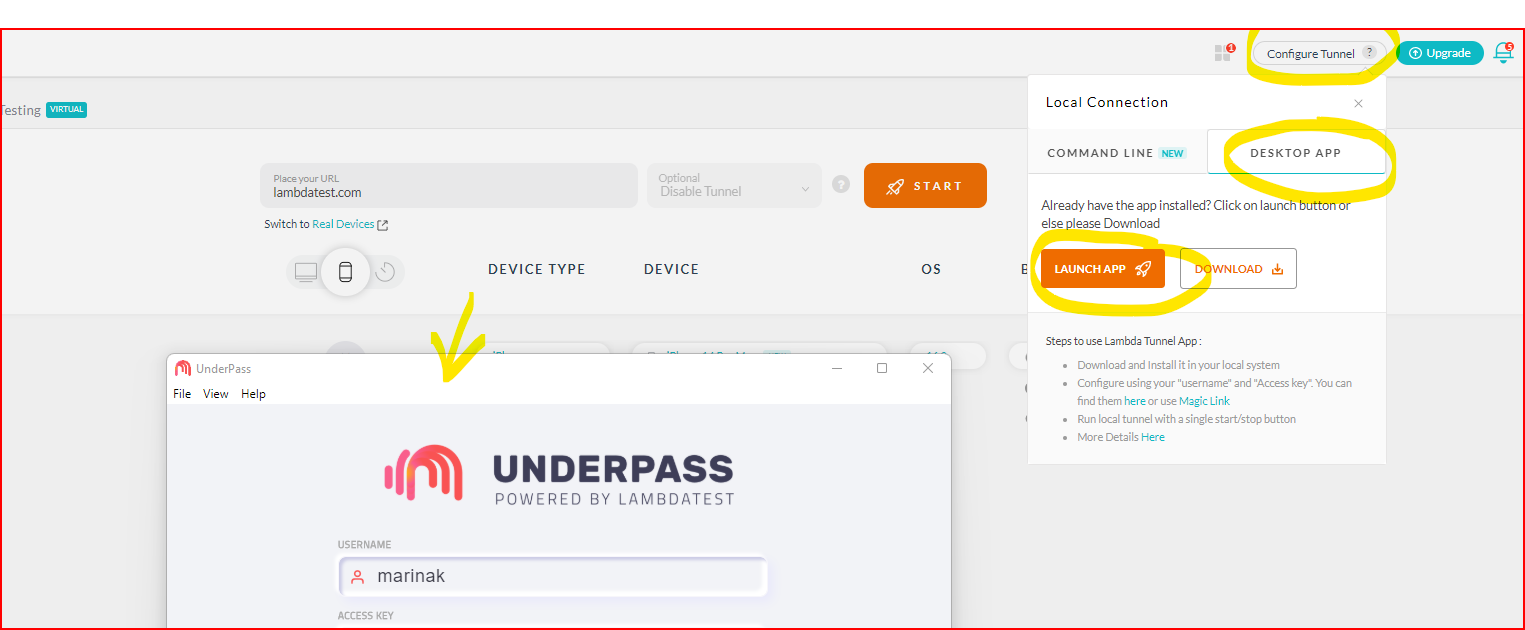
Since the tunnel isn’t enabled that’s why you are getting the “site cannot be reached” error. If you are doing this in manual testing, I would request you to enable the tunnel from the top right corner as shown in the screenshots, and then after refreshing the page start a session
. Also, you can choose either the Binary tunnel or simply download the Underpass app and use that to configure the tunnel in your machine.